TIMELINE
May 2026
PURPOSE
Side Project
TOOLS
Cursor
Figma
WEBSITE
Overview
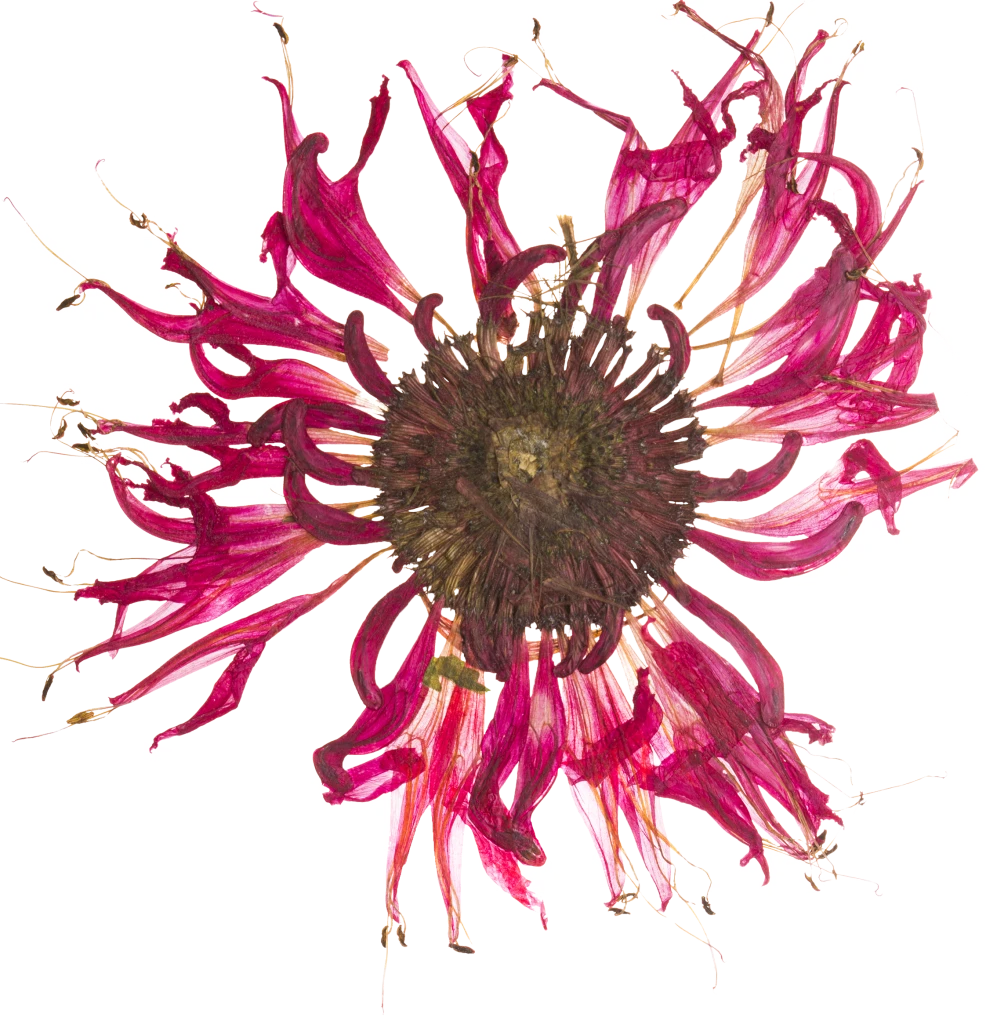
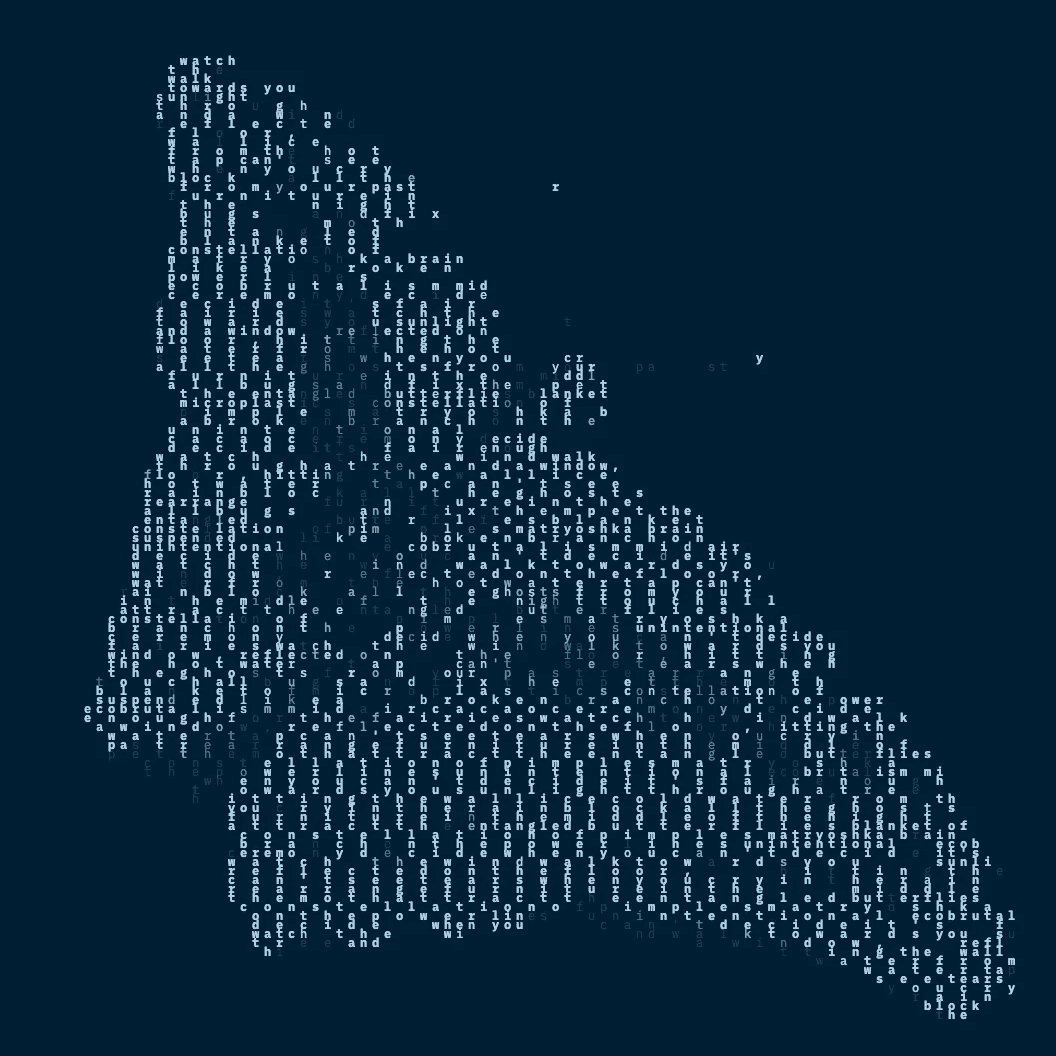
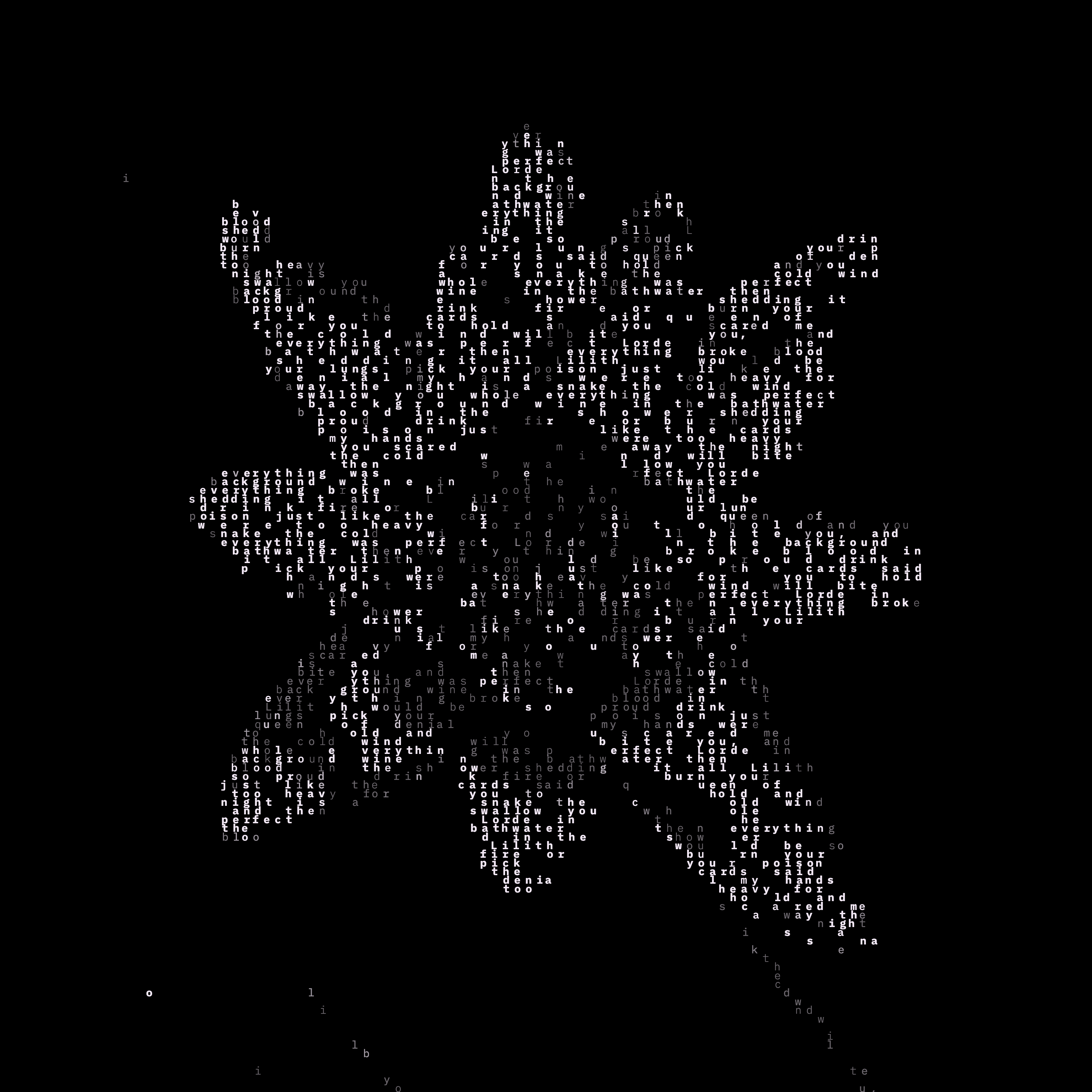
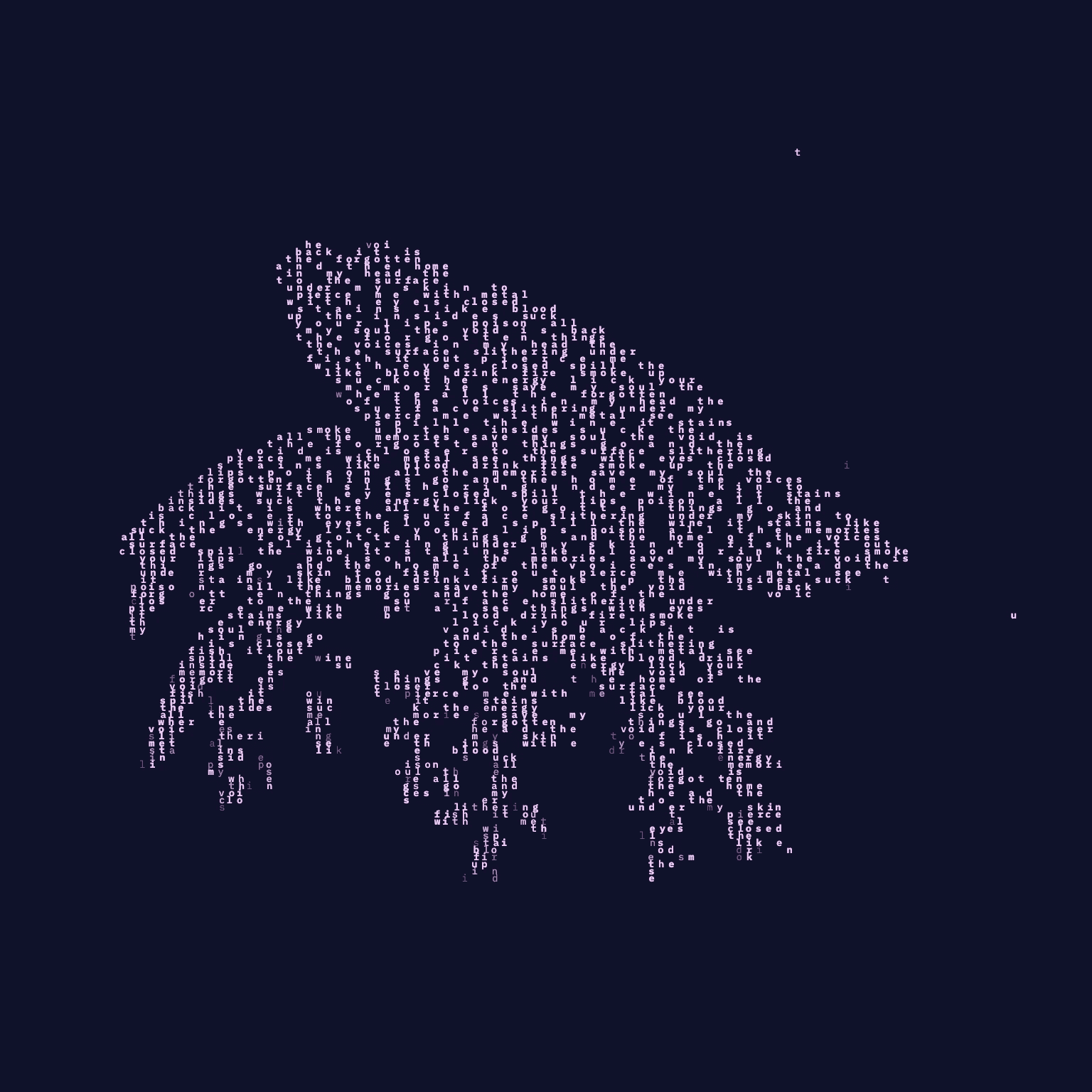
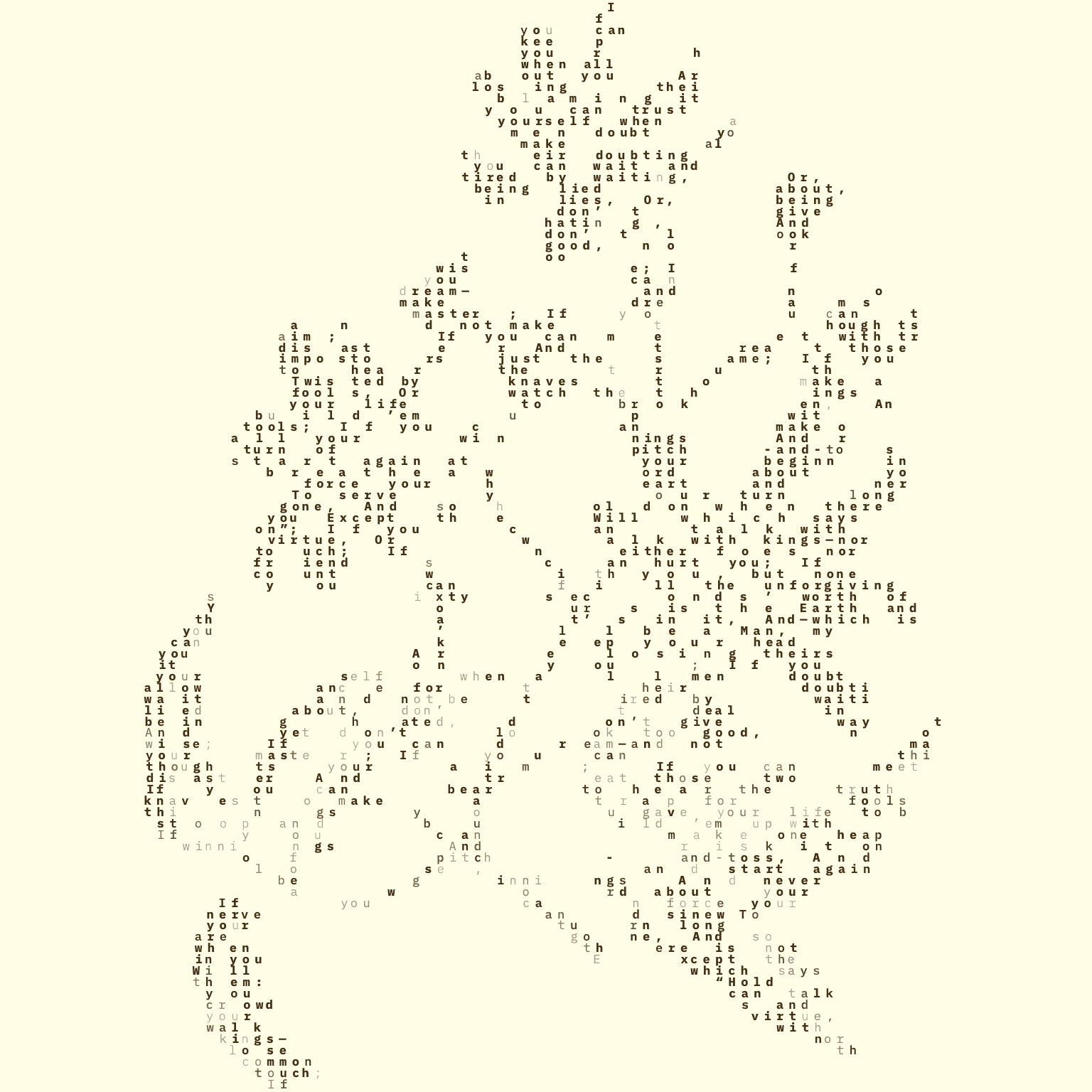
This project is a generative art tool designed to bridge the gap between written sentiment and visual form. Inspired by the legacy of typewriter art and the history of visual poetry, this app creates generative art from poems using each letter in the text as a pixel.
Features
Paste a poem and upload a reference image.
Turn poem text into image-guided generative artwork.
Adjust text size, line height, zoom, and colors with a live preview.
Keep your in-progress poem, uploaded image, colors, and render/export settings when refreshing the page.
Export artwork as PNG, JPG, or GIF at 1x, 2x, or 4x.
Export a 2-second GIF of the letter-by-letter reveal animation.
Export to a square canvas for socials-friendly output.
Tech Stack
Frontend Framework: Next.js (React)
Styling: Tailwind CSS, shadcn
Text Layout Engine: Pretext (by Chenglou)
Rendering: HTML5 Canvas API (preview and export)
GIF encoding:
gifenc(browser-side, no upload)Image Processing: Browser-native Canvas image data for luminance/brightness mapping
Motion:
framer-motionfor animated glyph reveal / UI transitions, plusmotionas a DialKit peer dependencyColor Picker:
react-colorfulwrapped in a custom Radix popover with Hex/RGB/HSL format switchingTweak UI:
dialkitmounted at app root and also used directly for the right-sidebar slidersVersion Control: Git and GitHub
References & Inspiration
Visual Poetry (Wikipedia): A comprehensive look at the history and evolution of the form, from antiquity to modern concrete poetry. Link
Typewriter Art (The Marginalian): An exploration of how the constraints of a grid-based text system were first used to create complex imagery, which serves as the spiritual predecessor to this project. Link